Edited by megatiger78, 02 June 2013 - 06:31 AM.
 3
3

How Do I Take A Screen Shot?
Started by megatiger78, Jun 02 2013 06:30 AM
13 replies to this topic
#1
-
-

- 17 posts
Member
- LocationI'm not telling you
Posted 02 June 2013 - 06:30 AM
well how do I take one?!!!!
#2
-

-
- Stone Cold

- 11,975 posts
Welcoming Committee
- LocationNewfoundland

Posted 02 June 2013 - 06:35 AM
Download a tool such as FRAPS. There is no screenshot function in the game yet.
#3
-

-
- Bad Company
- 3,559 posts
Member
Posted 02 June 2013 - 06:49 AM
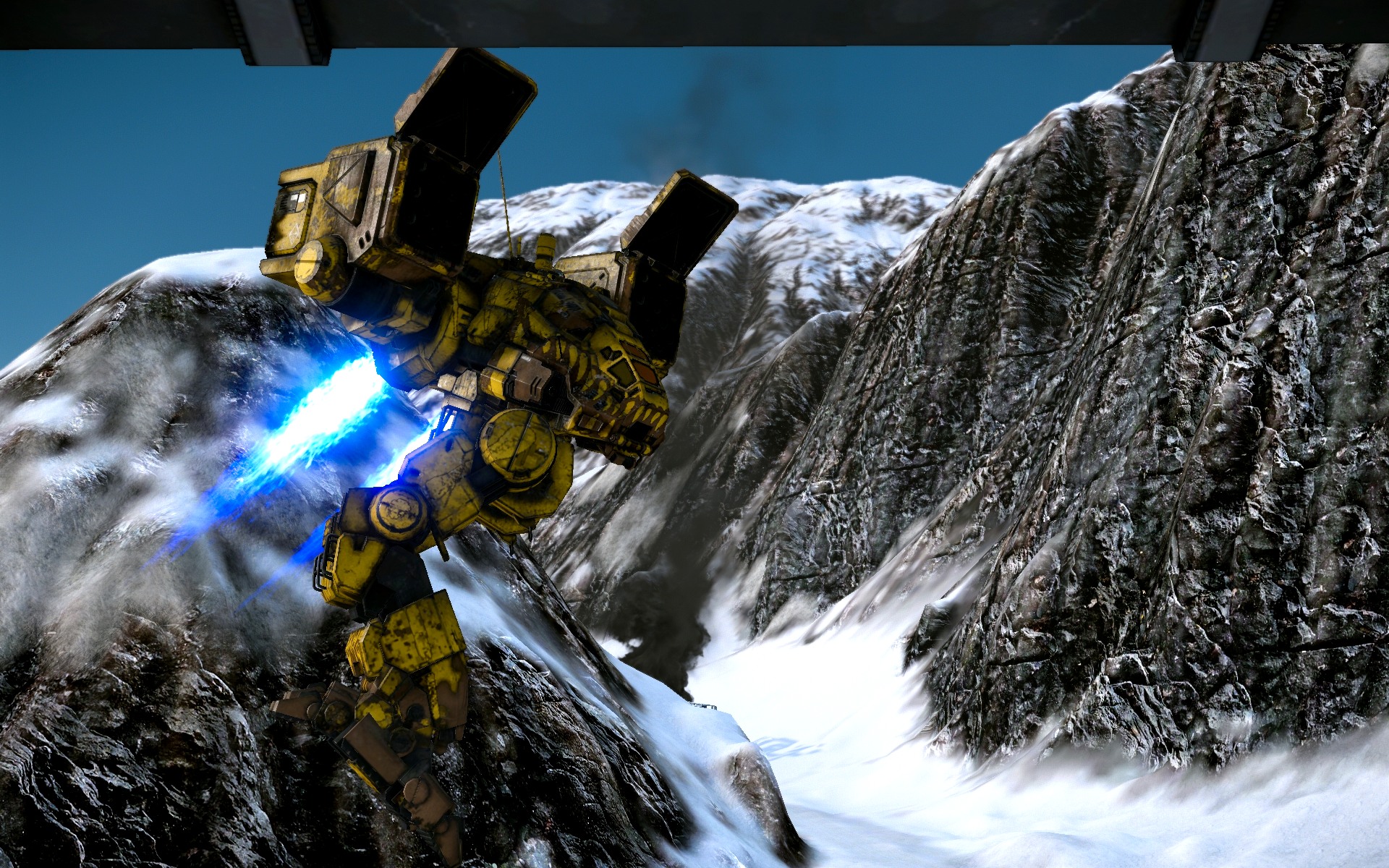
The simplest way is to use the Full Window display option. With it on, you just hit Print Screen, and then paste the clipboard contents into any graphics app.


#5
-
-
- Stone Cold
- 11,975 posts
Welcoming Committee
- LocationNewfoundland
Posted 02 June 2013 - 09:16 AM
There is a free version of Fraps, it works well enough for screenies.
#6
-
-
- 696 posts
Member
- LocationTexas
Posted 02 June 2013 - 04:11 PM
 Modo44, on 02 June 2013 - 06:49 AM, said:
The simplest way is to use the Full Window display option. With it on, you just hit Print Screen, and then paste the clipboard contents into any graphics app.
This is what I do. I use MS Paint. Note this works in full window mode, NOT in full screen mode.
Also, you can only take one pic per game, unless you want to alt-tab out, open paint, paste, save, alt-tab in, repeat.
#7
-

-
- Knight Errant
- 134 posts
Member
- LocationLocation Location
Posted 02 June 2013 - 04:40 PM
Koniving, you're gonna wind up with bulimia and a coke habit. 
#8
-
-
- Elite Founder
- 2,269 posts
Member
- LocationThe cockpit of my Jenner
Posted 03 June 2013 - 09:02 AM
MSI afterburner is pretty sweet - It's totally free and way better than the free version of FRAPS. You can use it to not only take screen shots, but also video capture and alter settings for your video card (if you chose to do so).
#9
-
-
- Survivor

- 126 posts
Member
- LocationAnywhere, USA
Posted 03 June 2013 - 09:17 AM
I open up a blank Excel file before entering a match, then I use crtl+prtsc for the pic I would like to take, then when the match is over I use crtl+V to paste the pic in the Excel program.... hope this helps.
Be advised that this can only work for one pic at a time. If you use crtl+prtsc again before you paste your pic, you will lose it.
Be advised that this can only work for one pic at a time. If you use crtl+prtsc again before you paste your pic, you will lose it.
Edited by Skoaljaw, 03 June 2013 - 09:19 AM.
#10
-
-
- 17 posts
Member
- LocationI'm not telling you
Posted 29 July 2013 - 03:27 PM
DEMAX51, on 03 June 2013 - 09:02 AM, said:
MSI afterburner is pretty sweet - It's totally free and way better than the free version of FRAPS. You can use it to not only take screen shots, but also video capture and alter settings for your video card (if you chose to do so).
so how u get it?
#11
-
-
- Bridesmaid
- 703 posts
Member
Posted 29 July 2013 - 03:33 PM
Also, maybe this topic in the FAQ will help: http://mwomercs.com/...e-a-screenshot/
#12
-
-
- Ace Of Spades
- 2,143 posts
Member
Posted 29 July 2013 - 03:38 PM
Necro thread.
Prtsrcn, goes into a screenshot folder under your MWO folder now.
Prtsrcn, goes into a screenshot folder under your MWO folder now.
#13
-
-
- 188 posts
Member
- LocationMontréal
Posted 29 July 2013 - 03:48 PM
Redshift2k5, on 02 June 2013 - 06:35 AM, said:
Download a tool such as FRAPS. There is no screenshot function in the game yet.
Bandicam is even better. And free(almost).
http://www.bandicam.com/
#14
-

-
- 741 posts
Member

- LocationIgnoring The Meta Since 2012
Posted 31 July 2013 - 05:00 AM
Guys, you're all thinking to complicated.
Since a few patches back the game can take screenshots on its own.
Pressing PRINT will take a screenshot and save it as .jpg in
\Piranha Games\MechWarrior Online\USER\ScreenShots.
Since a few patches back the game can take screenshots on its own.
Pressing PRINT will take a screenshot and save it as .jpg in
\Piranha Games\MechWarrior Online\USER\ScreenShots.


1 user(s) are reading this topic
0 members, 1 guests, 0 anonymous users


